A professional website can make your business look established, trustworthy, and ready for customers, but getting one online doesn’t have to drain your budget. Learning how to build a business website gives you more control over your online presence without immediately paying thousands of dollars for a developer. Today’s website builders, templates, hosting platforms, and business tools make it possible to create a polished site even if you’ve never written a line of code! Here’s how.
What Do You Need to Build a Business Website?
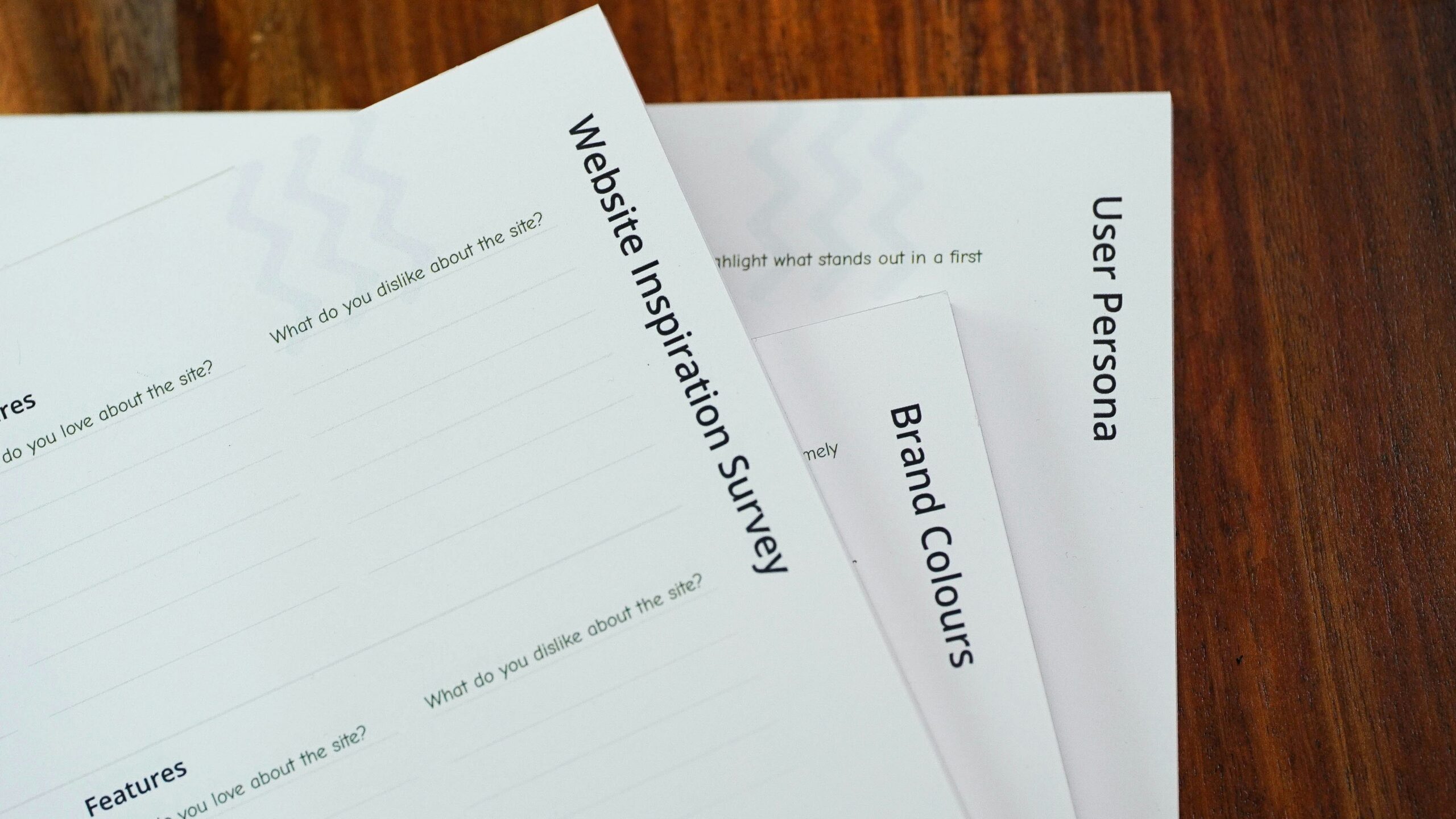
Learning how to build a business website starts with having the right basic tools. You don’t need an expensive professional setup, but you do need reliable technology, a domain, somewhere to host your site, and a platform that lets you create and update pages without relying on a developer.
Before spending money, think about what your website actually needs to do. A local service business may only need a handful of informative pages and a contact form, while a retailer could need online payments, inventory tools, and product pages. Knowing how to build a business website around your actual business model can prevent you from paying for features you’ll never use, which is always a great thing to save on. Here’s what you need to build a good business website:
A Solid Work Computer
A dependable computer makes building and maintaining a website considerably easier. You’ll likely have multiple browser tabs open while editing pages, resizing images, answering email, managing files, checking analytics, and working inside other business applications.
HP offers laptops and desktop computers designed for business use, including options for owners who don’t need an elaborate workstation. Look for enough memory and storage to comfortably handle your normal workload rather than buying a computer based on website building alone. You’ll continue using it long after your site launches.
A Domain Name
Your domain name is the address customers type or click to reach your website. For most businesses, the simplest option is a domain that closely matches the company name and is easy to spell, remember, and say aloud.
Website Hosting
Website hosting stores your site’s files and makes them available to visitors online. Some website builders include hosting in their plans, while platforms like WordPress may require you to choose a separate hosting provider.
A Website Builder
A website builder gives you the tools to create pages, arrange content, upload images, add forms, and control the appearance of your site. Many modern platforms let business owners accomplish this without knowing how to code, which is what I would need to use, personally.
A Professional Business Email
An email address connected to your domain can make your business communications appear more established. An address such as “hello@yourbusiness.com” also keeps business correspondence separate from your personal inbox.
Your Business Content and Images
You’ll need written content explaining who you are, what you offer, and how customers can work with you. Gather your logo, brand colors, product or service information, contact details, original photos, testimonials you have permission to publish, and other useful materials before you begin creating pages.
How to Build a Business Website Step by Step
If you’re researching how to build a business website, the process is much more manageable when you tackle one decision at a time. A straightforward process looks like this:
- Choose a website builder that matches your technical comfort level and business needs.
- Register a domain name that’s easy for customers to remember.
- Select a template that works well on computers, tablets, and phones.
- Create your core business pages and navigation.
- Add your branding, original content, photos, contact details, and calls to action.
- Review every page for accuracy, spelling, usability, and broken links.
- Connect your domain and publish the website.
- Test forms, buttons, links, and contact information after the site is live.
Choose the Right Website Builder
Start by deciding what functionality you actually need. A consultant may prioritize easy editing and appointment scheduling, while an online retailer will care much more about product management, checkout options, payments, shipping, and inventory.
Register a Domain Name
Choose a domain that’s closely connected to your business name whenever possible. Keep it relatively short and easy to communicate verbally. Register the domain in an account your business controls. Keep login information secure and make sure renewal notices go to an email address you regularly monitor.
Pick a Template That Fits Your Business
Choose your template based on structure rather than demo photos or colors. Images, fonts, and colors can usually be changed.
Create the Essential Website Pages
Most small business websites should begin with a homepage, About page, contact information, and pages explaining important products or services. Additional pages will depend on the company.
Each page should have a clear purpose! This also makes how to build a business website easier to understand from an SEO perspective because individual pages can address specific topics and customer questions.
Add Your Branding, Images, and Business Information
Replace generic template content with information that’s genuinely specific to your company. Add your logo, colors, photos, business description, service information, operating hours, contact details, and other relevant information.
Connect Your Domain and Publish Your Website
Preview the entire website before publishing. Check it on both a computer and phone, submit your own contact forms, click your buttons, proofread the copy, and confirm that your contact information is accurate. Once everything works properly, connect the domain according to your provider’s instructions and hit “publish.”
What Pages Should a Business Website Have?

Most small business websites should have a homepage, About page, product or service pages, contact page, FAQ page, and any applicable legal pages. That’s a useful starting point when you’re learning how to build a business website because each page answers a different question a potential customer may have. The exact structure depends on your business. Someone researching how to build a business website for a restaurant will have different priorities from an accountant, online store, contractor, or marketing agency.
1. Homepage
Your homepage should quickly tell visitors what your business does, who it’s for, and what they can do next! Include a concise description of your company, important products or services, trust signals, and a clear path to your most important pages. Local businesses can also provide relevant location or service area information.
2. About Page
An About page gives customers context about the people behind the company. Explain your experience, background, values, expertise, or reason for starting the business when those details help establish credibility.
3. Products or Services Page
Explain exactly what customers can purchase or hire you to do. Depending on your business, you may want individual pages for major services or product categories. Include practical details customers need when making a decision. This could include what’s included, who the service is intended for, your process, pricing, availability, or answers to common questions.
4. Contact Page
Make contacting your company easy and include the methods you actively monitor, such as a phone number, business email, contact form, or physical address when appropriate.
5. FAQ Page
An FAQ page can answer questions customers repeatedly ask before contacting or purchasing from your company.
6. Privacy Policy and Other Legal Pages
Your website may require a privacy policy, terms, disclosures, accessibility information, cookie information, or other legal content depending on what the site collects and how your business operates. Remember: Legal requirements vary by business and jurisdiction, so don’t copy another company’s policy and assume it applies to you. Use reputable resources and seek qualified legal guidance when necessary!
Related: Small Business Systems You Should Set Up Before You Get Too Busy
What Is the Best Website Builder for a Small Business?

There’s no single website builder that’s right for every company. The best choice depends on your budget, technical experience, industry, and what you need the website to accomplish. When researching how to build a business website, compare platforms based on the features you’ll actually use rather than choosing whichever one has the longest feature list.
Ease of maintenance deserves just as much attention as ease of setup. Knowing how to build a business website won’t save much time if routine updates become frustrating once the site is live. Pricing and platform features also change, so verify current plans directly with each provider before purchasing.
Squarespace
Squarespace is worth considering if design and ease of use are major priorities. Its templates and visual editing tools can work particularly well for service businesses, creative companies, portfolios, restaurants, and other businesses that want a polished visual presence without extensive customization. Built in website tools can also reduce the number of separate services you need to manage.
Related: The Blueprint AI Builder is the Website Designer That Changes Everything
Wegic
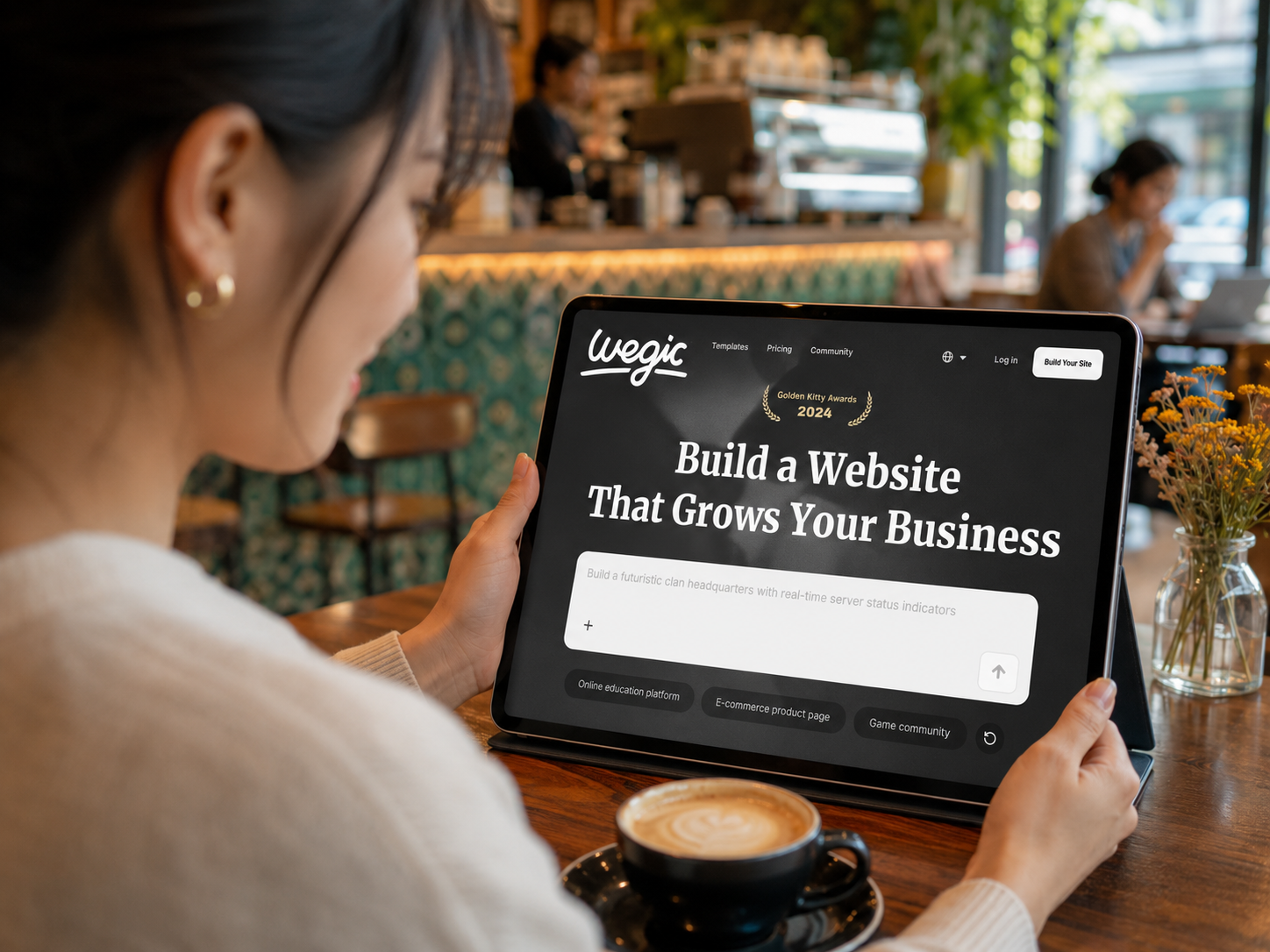
Wegic takes an AI-focused approach to website creation. It can appeal to business owners who want assistance generating and editing a site through conversational instructions rather than manually designing every element.
AI generated content should still be reviewed carefully before publishing. Check factual accuracy, branding, contact details, service descriptions, and any claims the system generates. Your website should ultimately reflect your real business expertise rather than generic information.
Shopify
Shopify is primarily built around ecommerce, making it particularly relevant for businesses that plan to sell products online.
Its ecosystem supports functions such as product management, checkout, payments, inventory, shipping, and online store management. A business that doesn’t need substantial ecommerce functionality may find a more general website builder better suited to its needs.
WordPress
WordPress offers substantial flexibility and can support everything from a relatively simple company website to a large content driven publication or online store. That flexibility is one reason it’s so widely used, but the amount of control available can also mean more setup and ongoing maintenance. Your experience will depend partly on the hosting provider, theme, plugins, and editing tools you choose. Business owners comfortable managing those moving pieces may appreciate the additional control.
Wix
Wix is another accessible option for small businesses that want visual editing and a broad collection of built in business features. Depending on the plan and business type, it can support functions such as forms, scheduling, ecommerce, marketing, and customer management.
Related: How to Build a Business Website Without a Developer
Small Business Website Builder Comparison
| Website Builder | Best For | Ease of Use | Ecommerce | Customization | Coding Required? |
|---|---|---|---|---|---|
| Squarespace | Service businesses, portfolios, and visually focused brands | Very easy | Yes | Moderate | No |
| Wegic | Beginners who want to build a website with AI assistance | Very easy | Limited compared with dedicated ecommerce platforms | Moderate | No |
| Shopify | Online stores and product based businesses | Easy | Excellent | High | No for most users |
| WordPress | Businesses that want flexibility, content control, and room to grow | Moderate | Yes, with plugins | Excellent | No for basic use |
| Wix | Small businesses that want simple visual editing and built in business tools | Very easy | Yes | High | No |
Related: Should I Start My Own Business? Signs You’re Ready to Be Your Own Boss
Learn How to Build a Business Website the Easy Way, Today
Get your business online sooner rather than waiting for the perfect budget, the perfect design, or the perfect time to begin. Every potential customer who searches for your company needs somewhere credible to learn about what you offer, find important information, and take the next step.
Learning how to build a business website also means you’re less dependent on someone else every time you need to change a price, update your hours, add a service, or publish something new…and those are things that commonly need changing! That flexibility can save money now while making your website much easier to manage over time. Build something useful, make sure customers can find what they need, and keep improving it as your business gives you a reason to.
Read Next: Here are the Top AI Skills for Career Growth in 2026
We hope you love the products we recommend! Just so you know, Talk District may collect a share of sales or other compensation from the links on this page.