Running a small business can feel manageable right up until it suddenly doesn’t. A few customers turn into a packed calendar, orders start coming in faster, emails pile up, and tasks that once lived comfortably in your head become much harder to track. That’s why the small business systems you should set up matter long before you think you need them. Putting the right processes in place early can save hours of unnecessary work and give you more room to focus on customers, revenue, and the parts of your business you actually enjoy.
You don’t need a complicated operation or a huge team to benefit from better systems. Something as simple as organizing your files, creating a consistent invoicing process, automating appointment reminders, or deciding how you’ll manage customer information can prevent a lot of frustration later. The small business systems you should set up will depend on how your company operates, but they should all have the same basic purpose: making everyday work easier to manage as your business grows.
Waiting until you’re overwhelmed usually means trying to fix problems while you’re already short on time. Setting up essential processes now gives you a stronger foundation before more customers, employees, expenses, and responsibilities enter the picture. Whether you’re running a new company or realizing your current setup could use some work, these small business systems you should set up can help you stay organized without letting growth turn into chaos.
Walmart Business Account: The Account Every Small Business Needs

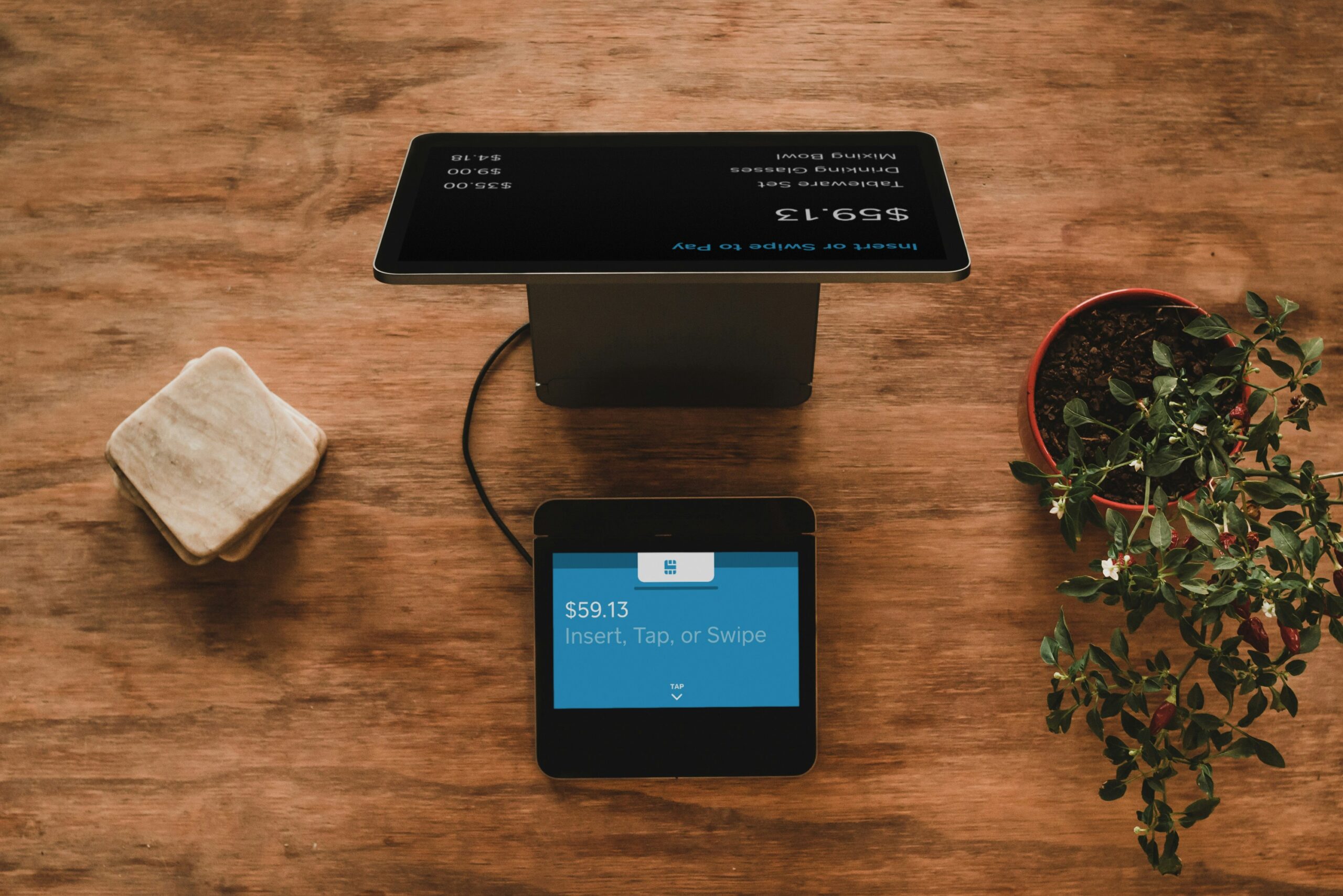
Getting your business systems in place early can save you from scrambling once orders, clients, and everyday responsibilities start piling up, especially when it comes to purchasing the things your company regularly needs. As you’re working through small business systems you should set up before things get hectic, make checking Walmart Business Flash Deals part of your purchasing routine so you can look for current savings on items your business actually needs before placing another order. Whether you’re restocking everyday essentials or preparing for an upcoming project, start by browsing Flash Deals for opportunities to make your business budget go further. If you want to take the next step, you can also sign up for a free Walmart Business account and explore additional ways to shop for your organization.
What Are Small Business Systems?

Small business systems are the repeatable methods, tools, and processes you use to keep everyday operations running consistently. They can cover everything from how you respond to a new customer inquiry to how you order supplies, process payroll, send invoices, manage your website, or store important documents. The small business systems you should set up create a reliable way to handle those responsibilities without having to figure out what to do every single time.
Some systems are powered by software, while others can be as simple as a documented routine or checklist. A solo business owner might have a system for reviewing expenses every Friday, while a growing company may use dedicated platforms for payroll, scheduling, inventory, customer communication, and other operational needs. When you’re considering the small business systems you should set up, think about anything you do repeatedly or anything that could cause a real headache if it were forgotten.
What Is a Business System?
A business system is a defined way of completing a recurring task or managing a particular part of your company. It typically answers a few practical questions: What needs to happen? Who handles it? When does it happen? Where is the information stored? What tools are involved?
For example, customer inquiries could follow a simple system where messages go to one place, receive a response within a certain timeframe, and get recorded for future follow up. Purchasing can have a system too. A business that regularly needs office supplies, shipping materials, technology, or other essentials might use Walmart Business to keep business purchasing more organized rather than making scattered purchases from different personal accounts.
What’s the Difference Between a Business System and a Business Process?
The terms are closely related, but they aren’t exactly interchangeable. A business process is usually a specific sequence of actions used to complete a task. A business system is broader and can include multiple processes, people, rules, tools, and technology working together.
Payroll is an easy example. Your process might include reviewing employee hours, approving time records, and confirming payroll before a deadline. Your payroll system encompasses that process along with the platform you use, employee records, tax information, reporting, and other related responsibilities. A service such as Paycor can become one part of that larger system.
Understanding that distinction makes it easier to identify the small business systems you should set up. You aren’t simply looking for more apps or creating rules for every tiny task. You’re building repeatable ways for important parts of your company to function reliably.
Why Do Small Businesses Need Systems?
Small businesses need systems because memory becomes a surprisingly unreliable business tool once your workload grows. You might remember every invoice, customer request, order, appointment, and deadline when business is relatively quiet. Add more customers and responsibilities, and that mental list gets crowded quickly. The small business systems you should set up can help you:
- Keep important tasks from being forgotten.
- Reduce time spent repeating administrative work.
- Make customer experiences more consistent.
- Keep business information easier to locate.
- Prepare responsibilities for future employees or contractors.
- Reduce your dependence on memory.
- Make it easier to see where something is going wrong.
Good systems also make growth feel more manageable. Instead of rebuilding your routine every time business picks up, you already have a foundation capable of handling more activity.
When Should You Start Creating Systems for Your Small Business?
Ideally, you should start building systems before you feel overwhelmed enough to desperately need them. You don’t have to create an elaborate setup on your first day in business, but recurring tasks are worth organizing as soon as patterns begin to emerge. The small business systems you should set up today may seem unnecessary when your workload is light, yet they’re often what keeps that workload manageable once demand increases.
Pay attention to the parts of your week that repeatedly steal time. Maybe you’re searching through old emails for customer information, manually sending the same appointment instructions, forgetting when subscriptions renew, or realizing you’ve purchased the same supply twice. Those little frustrations are useful clues. They show you where a simple system could remove unnecessary work.
There’s also no requirement to build everything at once. Start with the small business systems you should set up around your most important responsibilities, particularly money, customers, security, communication, and daily operations. You can expand from there as your company changes.
Signs Your Business Needs Better Systems
Disorganization doesn’t always look dramatic. Sometimes it looks like spending 20 minutes trying to find a document you know you saved somewhere. Other times, you’re answering a customer message at night because you forgot about it earlier.
Your business may need better systems if:
- You’re frequently doing the same administrative tasks manually.
- Important information lives in several unrelated places.
- You miss invoices, messages, appointments, or deadlines.
- Customers have to contact you more than once for an answer.
- You regularly run out of supplies you use all the time.
- You don’t have a clear record of who completed a task.
- Only one person knows how an important part of the business works.
- You couldn’t easily explain a recurring task to a new employee.
- You’re paying for tools or subscriptions you barely use.
One occasional mistake doesn’t mean your entire operation needs an overhaul. Repeated problems are more telling. If the same inconvenience keeps appearing, there’s probably a process worth fixing.
What Happens When a Business Grows Without Systems?
Growth creates volume. More sales can mean more customer questions, payments, deliveries, appointments, inventory, website traffic, employees, paperwork, and opportunities for something to get missed.
A business without dependable systems often responds by adding more manual work. That might solve today’s problem, but it can create an operation where the owner spends increasingly more time maintaining the business and less time moving it forward.
Technology can remove some of that pressure when it solves a specific operational problem. A business with a physical location might use Ring as part of its security setup. A company that needs a professional online presence could build its site with Squarespace, while a newer business looking for an AI website building option might consider Wegic. The specific platform matters less than having a clear purpose for it within your operation.
Should You Create Business Systems Before Hiring Employees?
Yes, whenever possible. You don’t need every procedure perfected before making your first hire, but documenting recurring responsibilities before someone new arrives can make training much easier.
Think about what would happen if another person had to do your job tomorrow. Could they find the right files? Would they know how you handle a new customer? Could they see which tasks are urgent? Would they know when something needs your approval?
Those questions help reveal the small business systems you should set up before your team expands. Even basic documentation gives a new employee something more useful than “just ask me whenever you aren’t sure.” Your systems can evolve as employees actually use them, but having a starting point reduces confusion for everyone.
11 Small Business Systems You Should Set Up Before You Get Too Busy
The small business systems you should set up don’t need to make your company feel more complicated. They should take recurring work off your plate, keep important information organized, and make busy periods easier to handle. These 11 systems cover some of the biggest areas worth organizing before growth starts demanding more of your time.
1. Business Purchasing and Supply Management

Running out of something important in the middle of a busy week is an avoidable headache. Create a system for tracking frequently used supplies, deciding when to reorder, and keeping business purchases separate from personal shopping. Walmart Business can help centralize purchasing for office supplies, technology, breakroom essentials, and other business needs.
Related: Inventory Management Tools for Any Business
2. Website Management

Your website shouldn’t become something you only remember when information is outdated or a customer points out a problem. Set a schedule for reviewing important pages, contact information, products, services, pricing, and other details. Squarespace can give small businesses one place to build and manage their online presence.
Related: The Blueprint AI Builder is the Website Designer That Changes Everything in 2026
3. Payroll and Employee Management

Payroll becomes much harder to manage casually once employees enter the picture. Establish how you’ll track hours, maintain employee information, manage payroll, and handle related administrative tasks. Paycor offers tools that can help businesses organize payroll and other workforce responsibilities.
4. Business Security

Security deserves a system before there’s a problem that makes you wish you’d created one. Decide how you’ll monitor entrances, manage access, store recordings, and respond to unusual activity at your workplace. A Ring camera can be incorporated into a business security setup for additional visibility around your property.
5. Website Creation and Updates
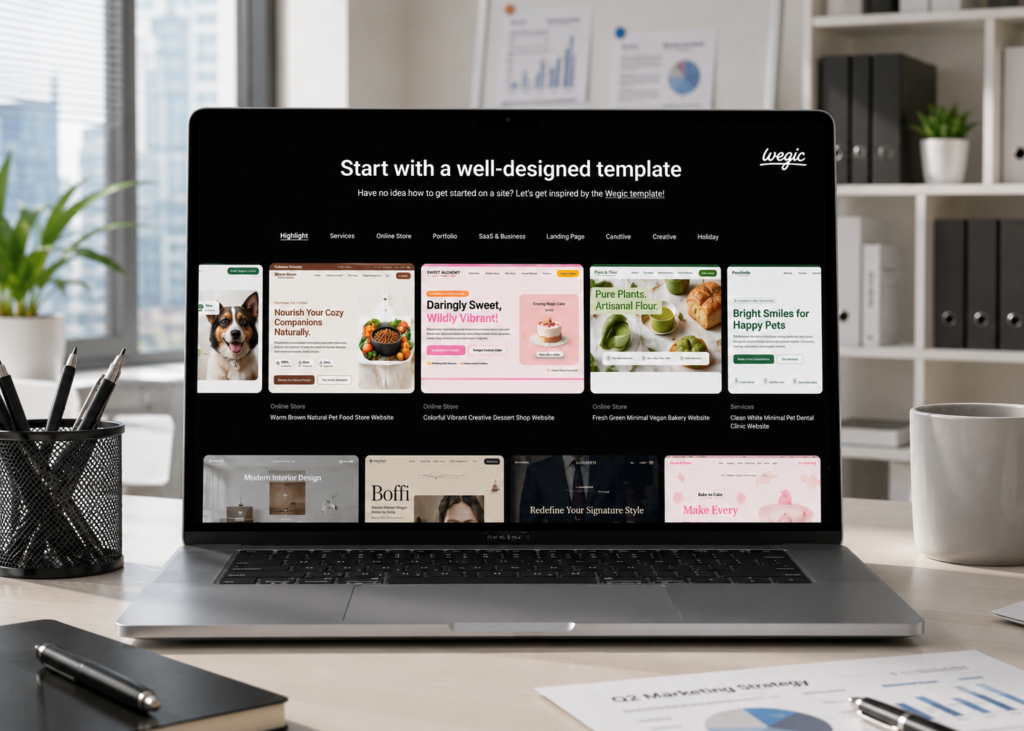
If your business needs to get online quickly, create a process for building pages and keeping them current as your company changes. Wegic uses AI to help create and update websites, which can make managing an online presence more approachable for business owners who don’t want to build everything manually.
6. Customer Relationship Management

Customer details shouldn’t be scattered across emails, texts, notes, and your memory. A customer relationship management system can keep contact information, conversations, sales activity, and follow ups organized so you know where each customer stands.
7. Invoicing and Payment Tracking
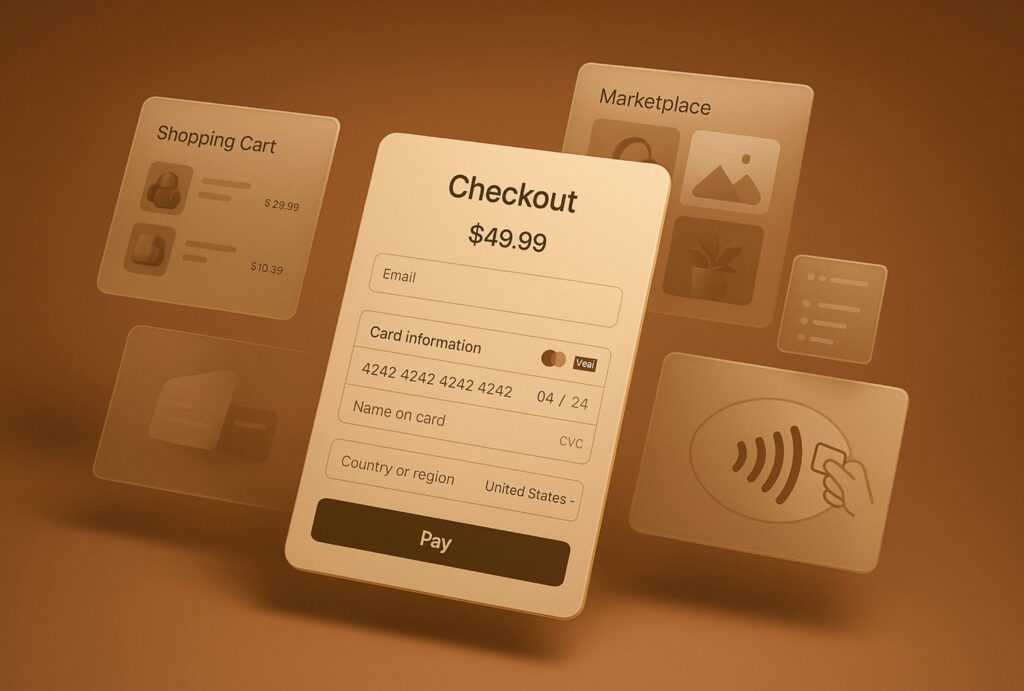
Money gets messy quickly when invoices are created differently every time. Set clear rules for when invoices are sent, when payments are due, how overdue balances are handled, and where payment records are stored.
8. Scheduling and Calendar Management

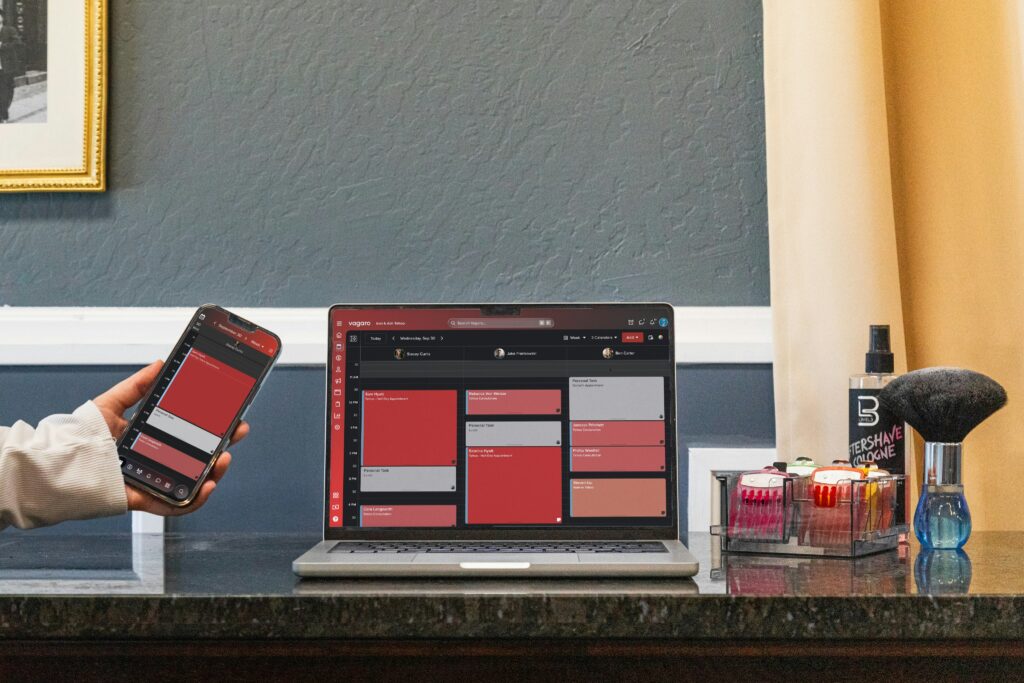
A reliable scheduling system (we lean on Acuity) keeps appointments, meetings, deadlines, and important business dates from competing for space in your head. Keep business commitments in one central calendar and use reminders for anything you can’t afford to overlook.
Related: Best Scheduling Software for Small Businesses to Know About
9. File and Document Organization

You shouldn’t have to search five folders and an old email thread to find one important document. Create consistent folders and file names for contracts, receipts, tax records, customer information, employee documents, and other records you’ll need again.
10. Customer Communication

Decide how customers will contact your business and how quickly they can expect a response. Templates for frequently asked questions, order updates, appointment confirmations, and other routine messages can save time while keeping communication consistent.
Related: How to Pivot Your Business: Effective Strategies That Really Worl
11. Task and Workflow Management

One of the most useful small business systems you should set up is a central place to track what needs to happen next. A task and workflow system can organize assignments, priorities, deadlines, recurring responsibilities, and completed work, giving you a clearer picture of what’s actually getting done.
Get Your Small Business Systems Set Up Today for a Smooth Rest of the Year

Set up your systems before your busiest season becomes your breaking point. Growth can happen quickly, and the processes that worked when you had five customers may become frustrating when you have fifty. Getting organized now gives you the freedom to welcome more business without wondering whether something important has slipped through the cracks.
The small business systems you should set up should make your daily workload feel lighter, not add another layer of complexity. You might need a better way to track expenses, manage payroll, communicate with customers, protect your property, maintain your website, or keep everyday purchases organized. Even a few thoughtful changes can eliminate repetitive work and give you back time that’s better spent actually growing your company.
Your future business will depend on decisions you’re making today. Build the structure while you still have enough breathing room to think about what works, what doesn’t, and what you’ll need next. When business picks up, you’ll be able to enjoy that momentum instead of scrambling to keep up with it.
Read Next: How to Entertain Clients: Business Lunch Tips That Actually Build Relationships
We hope you love the products we recommend! Just so you know, Talk District may collect a share of sales or other compensation from the links on this page.