Small business owners already have a lot on their plate, and having to manually do accounting work for the company can be strenuous and confusing. We’ve found that having the best accounting software for self employed workers can take some of the stress out of running your business. Instead of spending hours sorting through spreadsheets and receipts, you can let your accounting software do the work for you. But, what are some things to look for when choosing the best accounting software for self employed businesses, and what are the best programs out there for freelancers and entrepreneurs? We’ll cover all of that and more in this article!
Choosing the Best Accounting Software for Self Employed Workers

Self-employed businesses have different needs than larger companies or corporations. As a one-person business, you typically only need basic tools to track income and expenses, manage invoices, and prepare for taxes. You may also work with a few independent contractors, but you generally don’t need the payroll and HR tools that larger businesses require. When choosing the best accounting software for self employed workers, look for these key features:
- Invoicing: Being able to easily create, send, and track invoices (with customizable templates) is important.
- Expense Tracking: Stay organized with tools that automatically import and categorize transactions you make for your business.
- Tax Preparation: Get ready for tax season with programs that can help you with tax estimation and deductions, so you can avoid any surprises or fees when it’s time to file.
- Payment Processioning: It’s a huge benefit if your clients can pay your invoices online by card or with a bank transfer.
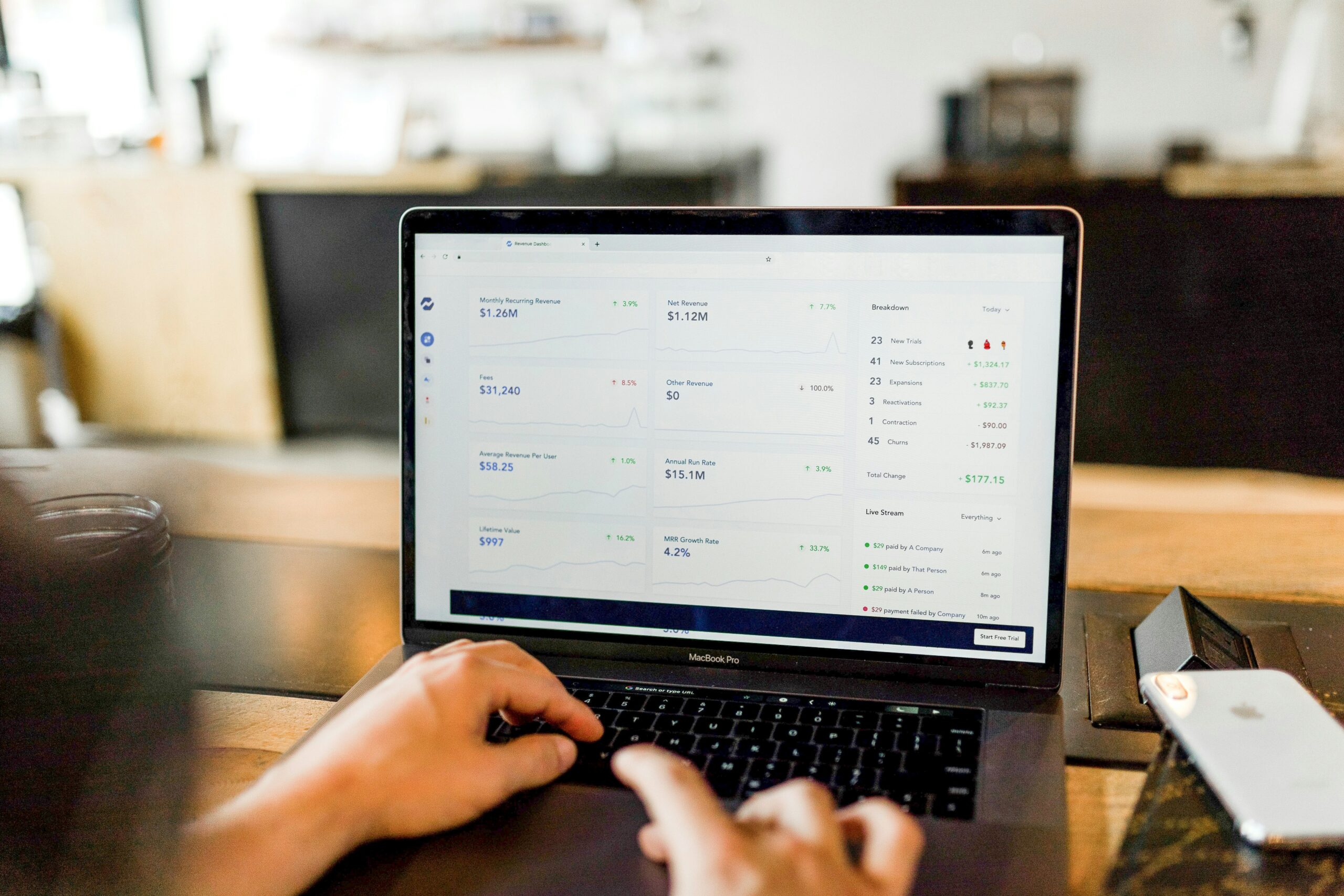
- In-Depth Reporting: To see how your business is doing, you’ll want intuitive reports to show your income, expenses, profits, and cash flow.
Related: Contractors vs Employees Taxes: Tips to Know
The Best Accounting Software for Self Employed Workers
Wave
A lot of accounting software can be complicated to use, packed with features you may never actually need. Wave isn’t one of them. It’s a simple, straightforward accounting program that helps you track your income and expenses and gives you useful reports to keep an eye on your finances.
The biggest selling point? They have a free starter plan that allows you to create unlimited estimates, invoices, bills, and bookkeeping records. This makes it a great option if you’re looking to move away from spreadsheets and to keep everything in one platform.
QuickBooks Solopreneur
The best accounting software for self employed businesses should help make tax prep easier. Besides basic income and expense tracking, QuickBooks Solopreneur has many tax-focused features, like quarterly tax estimation and deduction identification. It also connects directly to TurboTax, so there’s less hassle to file during tax season.
While the basic plan is free, it is limited in terms of tracking. However, you can always upgrade your plan to access automated features and to have unlimited invoice, receipt, and mileage tracking.
FreshBooks
If you’re looking for accounting software with service-based freelance features, FreshBooks can be a great option for your business. It has a great client management platform, so you can track hours and add expenses to projects for easier invoicing. This is also ideal for businesses with employees or hired contractors.
Despite having lots of useful features, FreshBooks is still easy to use by people who aren’t accountants. Therefore, you can get up and running quickly without needing to invest lots of time or build out complicated reports.
Xero
You may be a small business now, but choosing accounting software that can grow with you can save you the hassle of switching platforms later. Xero has all the basic features that the best accounting software for self employed businesses has, like invoicing, expense management, financial reporting, bill management and project tracking.
Bonsai
When it comes to robust client management accounting platforms, Bonsai gives you the best of both worlds. Its main focus is streamlining your client workflow, with tools for managing projects, creating proposals and contracts, and tracking expenses and income. It also has contract creation, a built-in CRM, and even a client portal you can customize.
However, it also has strong accounting features like all the other software programs on this list. This makes it a convenient choice if you want to manage both your clients and your finances from one platform. Monthly plans can be a little pricey, but it’s far cheaper than paying for two separate tools.
Zoho Books
If budget is a concern, check out Zoho Books. Its free plan has a lot of useful features, including invoice and expense tracking, receipt scanning, mileage tracking, online payments, bank reconciliation, and tools for tax preparation. Paid plans add more functionality and more users, which means you don’t have to switch software if your business grows.
Another key perk of Zoho Books is its built-in AI tools. In addition to detecting spikes or drops in your financial data, it can also provide forecasting on revenue and cash flow. You’ll also have access to their AI agent to automate workflows or to just create invoices or reports with ease.
Growing with the Best Accounting Software for Self Employed Businesses

The best accounting software for self employed workers can make running your business easier. Whether you need to manage clients or prep for tax season, there are options to fit different needs and budgets.
When choosing the best accounting software for self employed businesses, take the time to compare pricing and features. This will save you time and effort in the long run and help you find software that fits your needs as your business grows. Beyond accounting, you should also look into other small business systems to set up before you get too busy!
Read Next: Best CRM Software for Small Businesses That Don’t Need a Full-Time Admin to Run It
We hope you love the products we recommend! Just so you know, Talk District may collect a share of sales or other compensation from the links on this page.