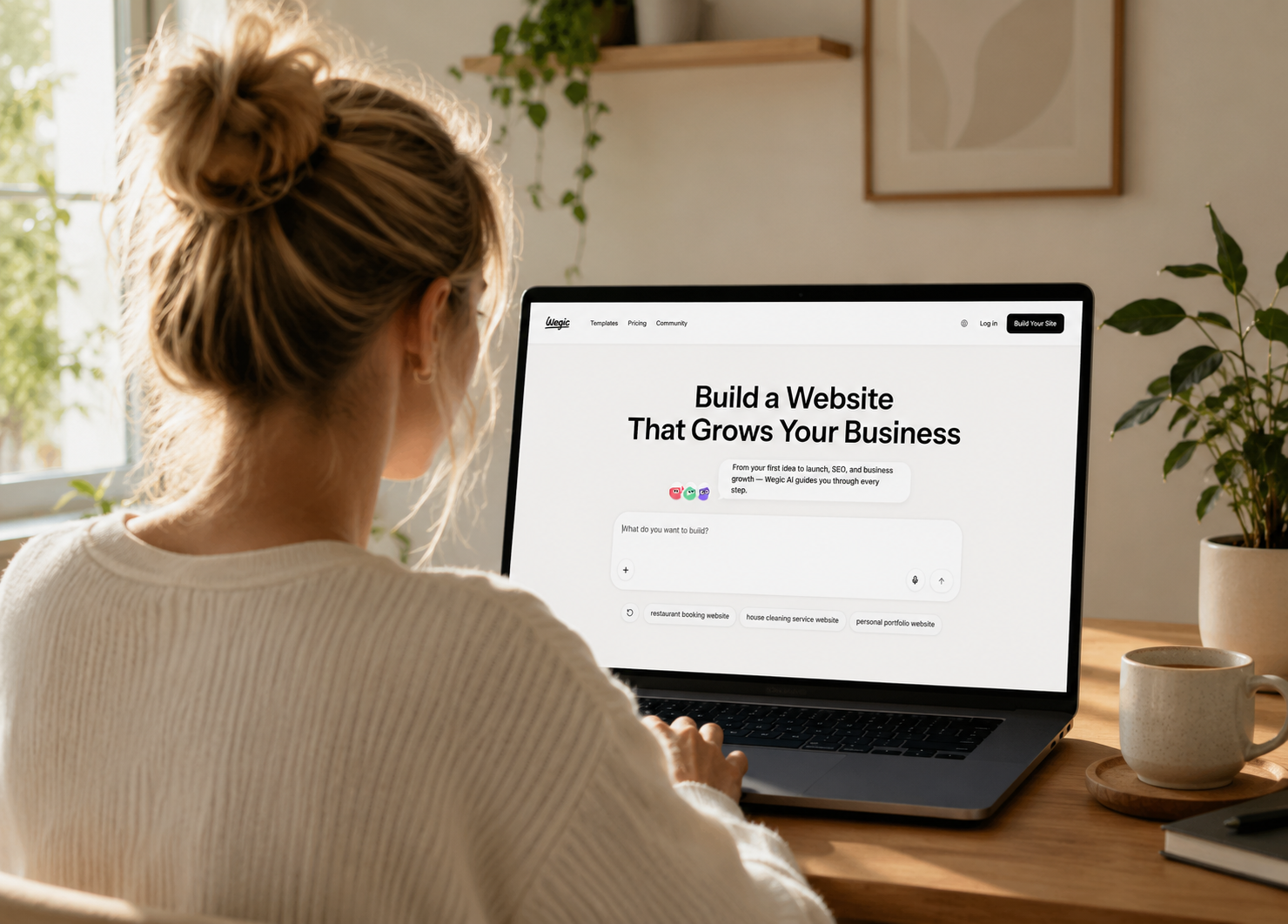
A professional website can change the way potential customers see your business before you’ve ever spoken to them. The problem is that hiring a designer can be expensive, while building a site yourself can quickly turn into hours spent fighting with templates, layouts, and technical settings. Learning how to create a professional website doesn’t have to mean choosing between an expensive designer and hours of frustrating DIY work. Tools like Wegic with code TALK10 now offer a third path: describe your business in conversation, and let AI turn that into a real website—no coding required.
Picture opening Wegic and describing what you need the same way you’d explain it to someone helping with your business: “I need a modern website for my photography business with a portfolio, information about my services, and a way for clients to contact me.” Wegic can use those instructions to generate the site’s structure, visual direction, and content framework, which you can continue refining through conversation.
Getting the site online is only part of building a useful digital presence, either. Wegic can continue helping with recommendations around SEO, content updates, and conversion optimization as your business grows, giving you ways to improve the site after launch instead of treating it like a finished project you never touch again. Fortunately, is that you don’t need to be a designer to pull this off—tools like Wegic can handle the visual heavy lifting while you focus on what actually matters: your business.
What Makes a Website Look Professional?
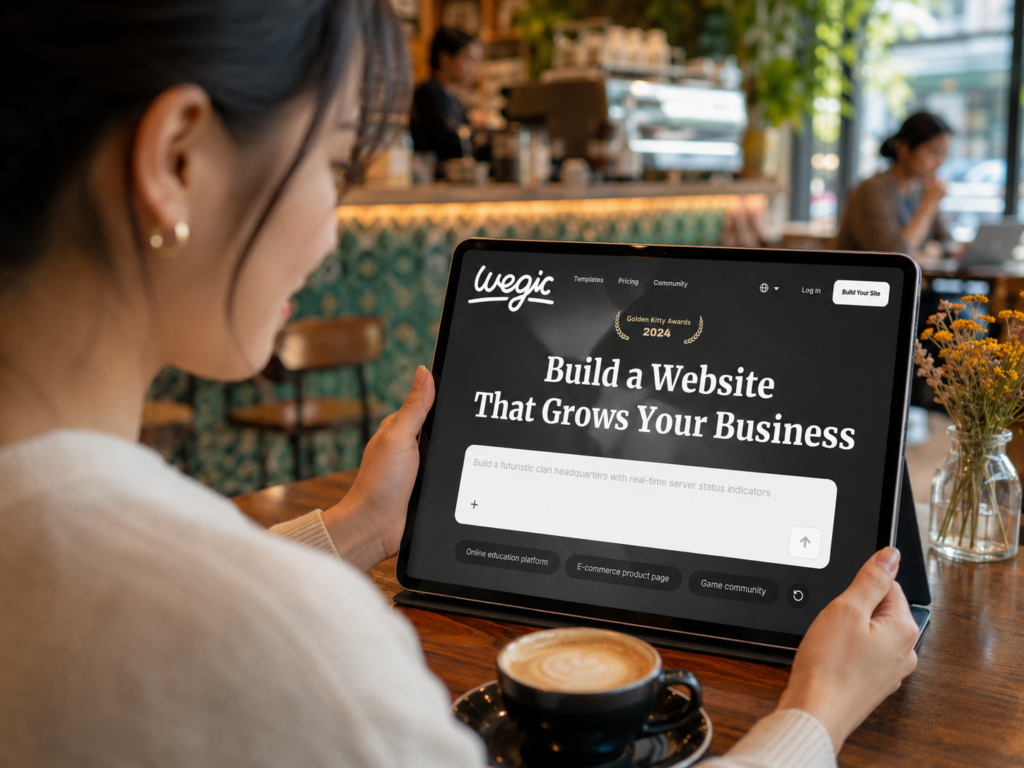
A professional website usually combines clear navigation, consistent branding, readable typography, quality visuals, useful content, mobile friendly design, and obvious next steps for visitors. Fancy effects aren’t what create credibility. A site feels professional when someone can arrive, understand the business, find what they need, and confidently decide what to do next.
That makes simplicity surprisingly valuable when learning how to create a professional website. Choose a cohesive visual direction and use it consistently rather than filling every available space. Keep menus understandable, break long sections into readable pieces, and make buttons descriptive enough that visitors know where they’re going before clicking.
Professionalism also comes from accuracy. Broken links, outdated contact information, obvious spelling errors, vague service descriptions, and pages that don’t work properly can undermine an otherwise attractive design. Before publishing, review the site carefully on multiple screen sizes and test the actions you expect customers to take.
Trust deserves attention, too. Use accurate business information, real examples of your work when appropriate, genuine testimonials, and clear explanations of what you offer. Whether you build everything manually or use Wegic to simplify how to create a professional website, the finished site should feel unmistakably connected to the real business behind it.
How to Build a Professional Website With Wegic
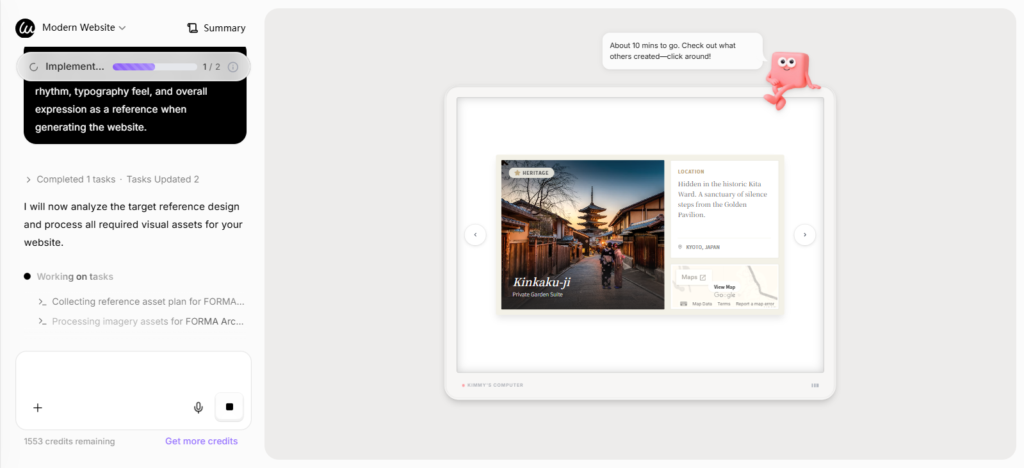
Learning how to create a professional website used to mean choosing between doing everything yourself or paying someone else to handle the technical work. Wegic offers another route. Its AI website builder is designed around conversation, allowing you to describe the site you want, see those ideas turned into a website, and continue making changes by telling Wegic what you’d like adjusted.
Suppose you’re opening a movie-themed pop-up café in Seattle, where customers can grab coffee and immerse themselves in iconic film scenes. You simply tell Wegic: ‘I run a movie-themed pop-up café and need a website to showcase our theme stories, menu, reservation and check-in features, and a schedule of upcoming themed events.’ Wegic will then generate a homepage layout, menu pages, a booking system, and an event calendar—all within minutes, with zero coding required.
That conversational approach is particularly useful for entrepreneurs, freelancers, and small business owners who know what they want their website to accomplish but don’t necessarily know how to translate those ideas into code or a polished layout. Rather than spending hours figuring out the mechanics of website building, you can keep your attention on the business itself while using Wegic to help bring the online version of it together.
Start by Telling Wegic About Your Website
Start with the same information you’d give someone if you were sitting across a table explaining your business. You might tell Wegic, “I run a landscaping company in Tampa and need a professional website that explains my services and helps homeowners request quotes.” A photographer could ask for a clean portfolio site with galleries and an inquiry form, while a consultant might want a site that introduces their expertise and encourages potential clients to get in touch.
Specific details give the AI more context about what you’re trying to accomplish. Tell Wegic what your business does, who you serve, what kind of visual direction you’re imagining, and what you ultimately want visitors to do. You don’t need to translate those ideas into technical website terminology first.
Let Wegic Create the Initial Website
Once you’ve described what you need, Wegic can turn the conversation into an initial website rather than leaving you staring at a blank page wondering where the first text box should go.
Treat that first version as a starting point. Look at the overall structure, page organization, messaging, and visual direction, then decide what feels right for your brand and what you’d like to change. This can make the early stages of how to create a professional website feel much more manageable, particularly if design isn’t your area of expertise.
Refine Your Design Through Conversation
This is where Wegic’s conversational format becomes especially useful. Instead of hunting through menus every time something doesn’t look quite right, you can describe the result you’re trying to achieve and continue refining the website.
Maybe the homepage feels too busy, the colors don’t suit your brand, or you’d prefer a cleaner layout for your services. Tell Wegic what you want changed and use the resulting revisions to move closer to the look you had in mind. You remain the person making the creative decisions without needing to personally build every element.
Ask Wegic to Change Your Content
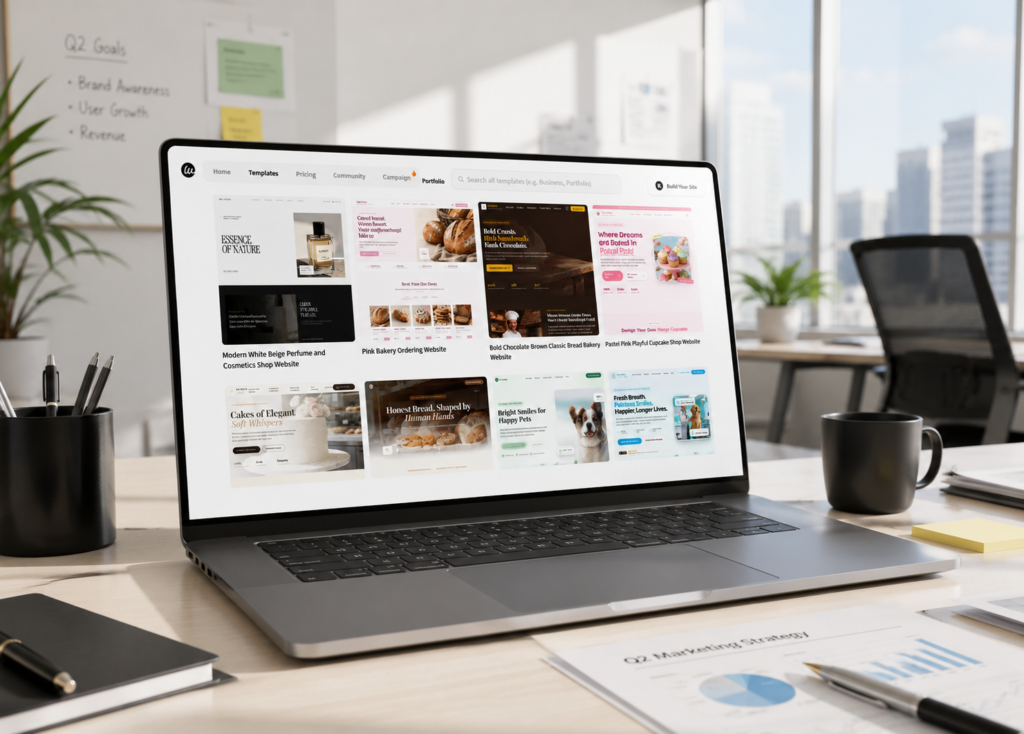
Website copy rarely comes out perfectly on the first attempt, whether it’s written by a person or generated with AI. Read everything from the perspective of a potential customer and pay particular attention to whether the site clearly communicates what you do, who you serve, and what someone should do next.
You can ask Wegic to help revise content that needs work. A generic headline might need to become more specific to your services, for example, while a long paragraph could be shortened to make the page easier to scan. Always review AI generated copy yourself before publishing to make sure names, claims, prices, locations, services, and other business details are accurate.
Add the Features Your Business Needs
A professional website needs to do more than look attractive. Think about what visitors actually need to accomplish once they arrive.
A service business might prioritize inquiries or appointments, while an online business could have very different functionality requirements. Build around those real customer actions rather than adding features simply because they’re available. When you’re figuring out how to create a professional website, usefulness should have just as much influence on the finished product as aesthetics.
Publish Your Website
Before publishing, go through the website like you’ve never seen the business before. Read every page, click every important link, check forms, review contact information, and look at the site on both desktop and mobile devices. Ask yourself whether a new visitor can understand what the business offers within a few seconds.
Once everything is ready, you can move from building to publishing your Wegic site. This is the moment when the business idea that’s been living in notebooks, documents, or your head finally has somewhere customers can actually find it online.
Keep Improving Your Website With Wegic
Publishing shouldn’t be the last time you think about your website. Services change, businesses grow, customer questions reveal missing information, and pages that seemed important at launch might eventually need an update.
Keep using Wegic as the site evolves, including when you’re looking for opportunities involving SEO, content updates, and conversion optimization. That continuing process is part of learning how to create a professional website that remains useful rather than simply launching something once and forgetting about it.
What Pages Does a Professional Website Need?
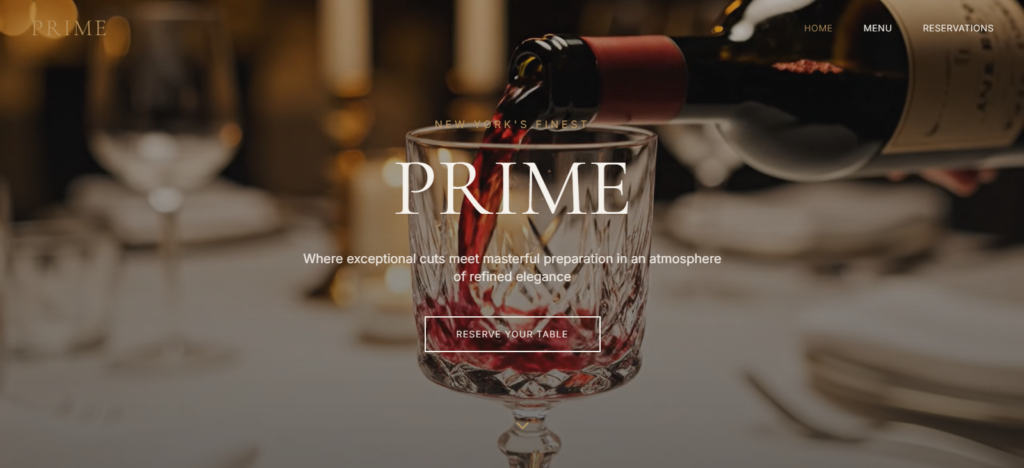
Most professional business websites need a homepage, an about page, pages explaining products or services, and an easy way to contact the business. Depending on what the company does, FAQs, testimonials, portfolios, blogs, and other resources can make sense as well.
More pages don’t automatically make a website better. When deciding how to create a professional website, think about what a potential customer would need to know before feeling comfortable taking the next step. Your navigation should make those answers easy to find rather than forcing visitors through pages that exist solely to make the website seem bigger.
Homepage
Your homepage should quickly answer three questions: What does this business do? Who is it for? What should I do next?
Keep the primary message easy to understand, introduce your most important products or services, and give visitors clear paths to the information they’re likely to need. Someone shouldn’t have to scroll halfway down the homepage before understanding what your company actually sells.
About Page
An about page gives visitors context about the people, experience, or story behind the business. Use it to establish credibility and explain why the company exists without turning the entire page into a corporate biography.
Relevant experience, qualifications, company history, or expertise can be especially useful here. Genuine specifics usually build more trust than broad statements about being passionate or committed to excellence.
Products or Services Pages
Someone considering giving you money shouldn’t have to piece together what you sell from scattered references across the website. Give important products or services dedicated space to explain what they are, who they’re for, and what someone needs to know before taking action.
For businesses serving particular geographic areas, these pages can also clearly communicate where services are available when location is relevant.
Contact Page
Make contacting the business straightforward. Depending on the company, that might mean a form, phone number, email address, physical location, business hours, or several of those options.
Keep the information current. An elegant contact page containing an old phone number isn’t doing anybody much good.
Frequently Asked Questions
An FAQ page can address the questions customers repeatedly ask before buying, booking, requesting a quote, or contacting your company.
Write questions in the natural language customers actually use. Clear questions followed by concise answers are useful for visitors and can also make your content easier for search engines and AI systems to understand.
Portfolio or Work Examples
Visual or project based businesses may benefit from showing visitors what they can actually do. Photographers, designers, contractors, landscapers, agencies, and similar businesses can use a portfolio to turn abstract promises into tangible examples.
Choose your strongest and most relevant work rather than uploading everything you’ve ever completed.
Testimonials or Reviews
Testimonials can provide useful social proof when they’re genuine and presented accurately. Place particularly relevant feedback near the product, service, or claim it supports rather than hiding every testimonial on one isolated page.
Never fabricate reviews or use AI to invent customer experiences. Trust is much harder to rebuild than a website.
Blog or Resources
A blog isn’t mandatory for every professional website, but useful resources can answer customer questions, demonstrate expertise, and create additional opportunities to appear in relevant searches.
Quality matters more than publishing simply to maintain a schedule. A smaller collection of genuinely useful articles can contribute more to the site than dozens of thin posts written primarily to target keywords.
How Can AI Help You Build a Professional Website?
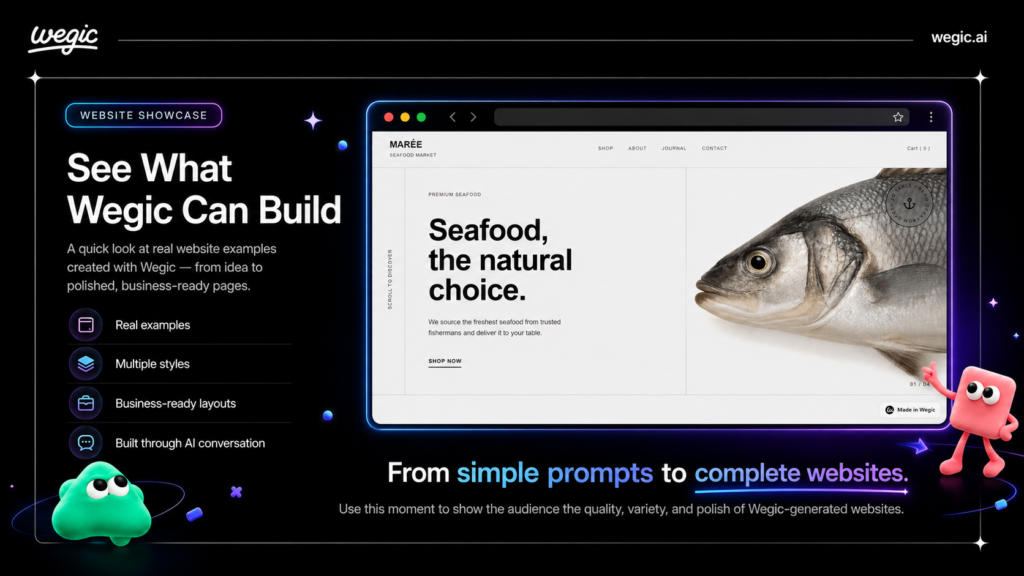
AI can help with several stages of website creation, including organizing an initial idea, developing page structures, drafting content, experimenting with design direction, and making revisions. Tools such as Wegic take that concept further by making conversation part of the website building process itself.
AI still benefits from human judgment. You know whether a page sounds like your company, whether a service description is accurate, and whether the website represents what customers will actually receive. Used that way, AI can remove repetitive technical work from how to create a professional website while leaving the important business decisions in your hands.
Turn an Idea Into a Website Structure
One of the hardest parts of starting a website is deciding what belongs where. AI can help turn a loose idea into a clearer structure by identifying potential pages, sections, and visitor pathways.
Instead of spending an afternoon debating whether your services belong on the homepage, their own pages, or both, you can begin with a proposed structure and refine it around your customers.
Generate a Starting Point for Website Copy
Blank pages have a remarkable ability to make even people who talk about their businesses all day forget how to describe them.
AI can create a starting point for headlines, service descriptions, calls to action, FAQs, and other website copy. Treat that material as a draft. Add your expertise, verify factual claims, remove generic language, and make sure the finished version sounds like your business.
Experiment With Layouts and Visuals
Website design involves dozens of decisions that can feel disproportionately important when you’re making them one at a time. AI can make experimentation faster by helping you explore different visual directions and layouts before committing to one.
Keep the visitor experience at the center of those choices. The coolest design isn’t necessarily the most useful one if customers can’t figure out where to click.
Make Website Changes Without Coding
Coding has traditionally created a barrier between knowing what you want changed and being able to change it yourself. AI website tools can reduce that friction.
Wegic’s conversational approach is especially relevant here because you can communicate the result you want rather than beginning with the underlying code. That gives business owners another way to approach how to create a professional website without becoming developers themselves.
Improve SEO and Content Over Time
A website’s search presence isn’t something you address once during launch and never revisit. Content can become outdated, new customer questions emerge, and your business may begin targeting different services or audiences.
AI can assist with identifying opportunities for content and SEO improvements, while Wegic can remain part of that ongoing website management process. Human review still matters, particularly when you’re publishing factual information about your business or creating content intended to demonstrate expertise.
Find Opportunities to Improve Conversions
Traffic doesn’t accomplish much for a business if visitors arrive and have no idea what to do next. Conversion optimization looks at how effectively a website encourages meaningful actions such as requesting a quote, making a purchase, booking an appointment, or submitting an inquiry.
AI can help identify areas worth revisiting, such as unclear calls to action, confusing content, or pages that don’t adequately answer customer questions. Wegic’s ongoing recommendations around conversion optimization can make this part of improving the website as the business grows rather than something reserved for the initial build.
Create the Professional Website You’ve Been Putting Off

Waiting another six months won’t make that unfinished website any more useful to your business. Once you understand how to create a professional website, you can stop treating web design like a project reserved for developers and start focusing on what visitors actually need to see when they find you online. Clear navigation, useful content, strong calls to action, thoughtful visuals, mobile friendly pages, and a consistent brand can make a relatively simple website feel far more credible than something complicated but poorly planned.
Wegic can also take much of the friction out of turning those plans into something real. Tell it about your business and the website you have in mind, then use the conversation to shape and refine what it creates instead of starting with an intimidating blank screen. As your business changes, its recommendations around SEO, content, and conversion optimization can help you keep improving your online presence. Learning how to create a professional website becomes much less overwhelming when you can spend your time making decisions about your business rather than trying to teach yourself how to code.
Your future customer could be searching for a business like yours today, which makes an unfinished or nonexistent website worth dealing with sooner rather than later. Decide what you want visitors to do, gather the information they’ll need and open Wegic and start describing the website you’ve had sitting in your head and use the code TALK10. Use the steps in this guide to understand how to create a professional website, let Wegic help bring that vision to life, and start building an online presence that can grow alongside your business.
Ready to stop putting it off? Open Wegic and describe your ideal website—no code, no designer, no delay.
Read Next: How to Build a Hybrid Workspace Strategy: Tips That Work
We hope you love the products we recommend! Just so you know, Talk District may collect a share of sales or other compensation from the links on this page.