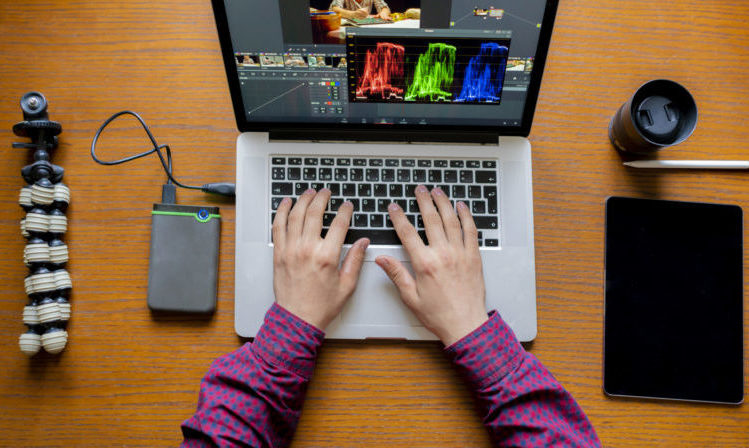
Looking to create stunning videos that look like they were professionally done? Then check out our top programs for the best video editing software.
Creating video special effects may seem like something only a Hollywood movie studio can do. But with the best video editing software, you too can make jaw-dropping movies and videos. And most importantly, you don’t have to have any previous editing experience!
Whether you’re a professional filmmaker or an amateur blogger, it’s important to find video editing software that is easy to use. Here are our top choices for the best video editing software.
~Advertisement~
1. InVideo

A do-all product for all video editing software needs, InVideo gives you the tools to great jaw-dropping videos. Even better, you don’t need to have any previous design experience. It’s a great option for YouTube Intros, Facebook Video Ads, and Instagram Videos. Plus, it can also be used to create invitations, memes, slideshows, and posters.
Their catalog of premade video templates is a great jumping-off point. However, more experienced editors can customize all their animations. While they have several paid memberships, you can also use most of their features for free.
2. PicsArt
As one of the most intuitive pieces, PicsArt is a browser-based tool that allows you to craft amazing videos in just a few minutes. Features may be more limited than other robust tools on the market. Still, its simple interface and user-friendly design mean everyone can become a professional video editor.
With PicsArt, you’ll be able to add text, music, and animated transitions to your videos. You can also do basic trimming and resizing. Their free plan includes hundreds of filters. In the meantime, their monthly plans give you access to even more templates, features, and tools.
3. Animoto

The best video editing software doesn’t have to cost an arm or a leg. With Animoto, you can make and edit an unlimited number of videos without paying a cent. Although, they do have paid plans if you’re looking for extra features.
Create an account, and you’ll have access to over a million different stock images. Plus, you’ll get an entire library of licensed songs to make your videos pop. We love that their drag-and-drop style interface is easy to navigate. This makes adding color, text, and transitions a breeze.
4. Avid

This software empowers visionaries to create powerful content. Avid is an industry leader in non-linear editing for advanced storytellers. It is a great, high-end software for your professional editing needs. So, digitize your video into media files that are easily accessible and stored on a hard drive.
To get started, create an Avid Master Account and download the Media Composer first to try out their software for free. If you need more advanced features, they have higher tiers for your needs.
5. Wondershare

Available for Windows or Mac as a desktop program, Wondershare is a robust editing program. You’ll be able to make movie-grade videos by adding different video effects. You can even use a green screen to change the background for your actors!
Although the free version is quite limited in terms of abilities, the program is free to download and use. To make the most of this best editing software, we recommend upgrading to the annual paid plan so you can unlock all the features.
6. inPixio

If you’re using any still images in your videos, make sure those are properly edited. inPixio is an easy-to-use program that allows you to perfect any image you’d like. The free version of their app grants you access to over 90 different colorful filters. With these, you can give your photo that final, polished look.
The upgraded Photo Studio program is great for professional edits, with upgraded features like color editing, advanced cropping, and even customized textures. It’s also one of the only programs that allow you to remove backgrounds, objects, and people.
7. Envato

As your one-stop shop for customized video templates, Envato allows you to enhance your movies, films, or projects. Think of them like a virtual marketplace, where you can download different opening sequences, animations, and logo reveals directly from directors, artists, and video editors themselves.
In addition to their marketplace, Envato can also help you find a freelancer to work on your project with you. But if you’d rather do it on your own, you can also consult their tutorial page, which is loaded with courses, guides, e-books that you can use.
8. CapCut

CapCut stands out in the video editing landscape for its intuitive interface and powerful features. Ideal for both beginners and seasoned editors, it offers a seamless experience with versatile editing tools, making it a valuable addition to any content creator’s toolkit.
Even if you don’t have your own video editing studio, you can still create professional-quality movies, films, and projects with these software programs. If you’re looking to jazz up your photos too, then check out our list of the best photo editing apps.
We hope you love the products we recommend! Just so you know, Talk District may collect a share of sales or other compensation from the links on this page.